Start Linux the right way — without guessing, breaking things, or feeling lost.
Linux does not have to feel complicated.
Learn the essential skills every beginner needs with a practical, safety-first path designed to take you from your first Linux installation to real confidence at the keyboard.
Free eBook • 30 Pages • 15 Core Commands • 7-Day Plan
 Denver Geiger — author of practical, beginner-friendly Linux guides
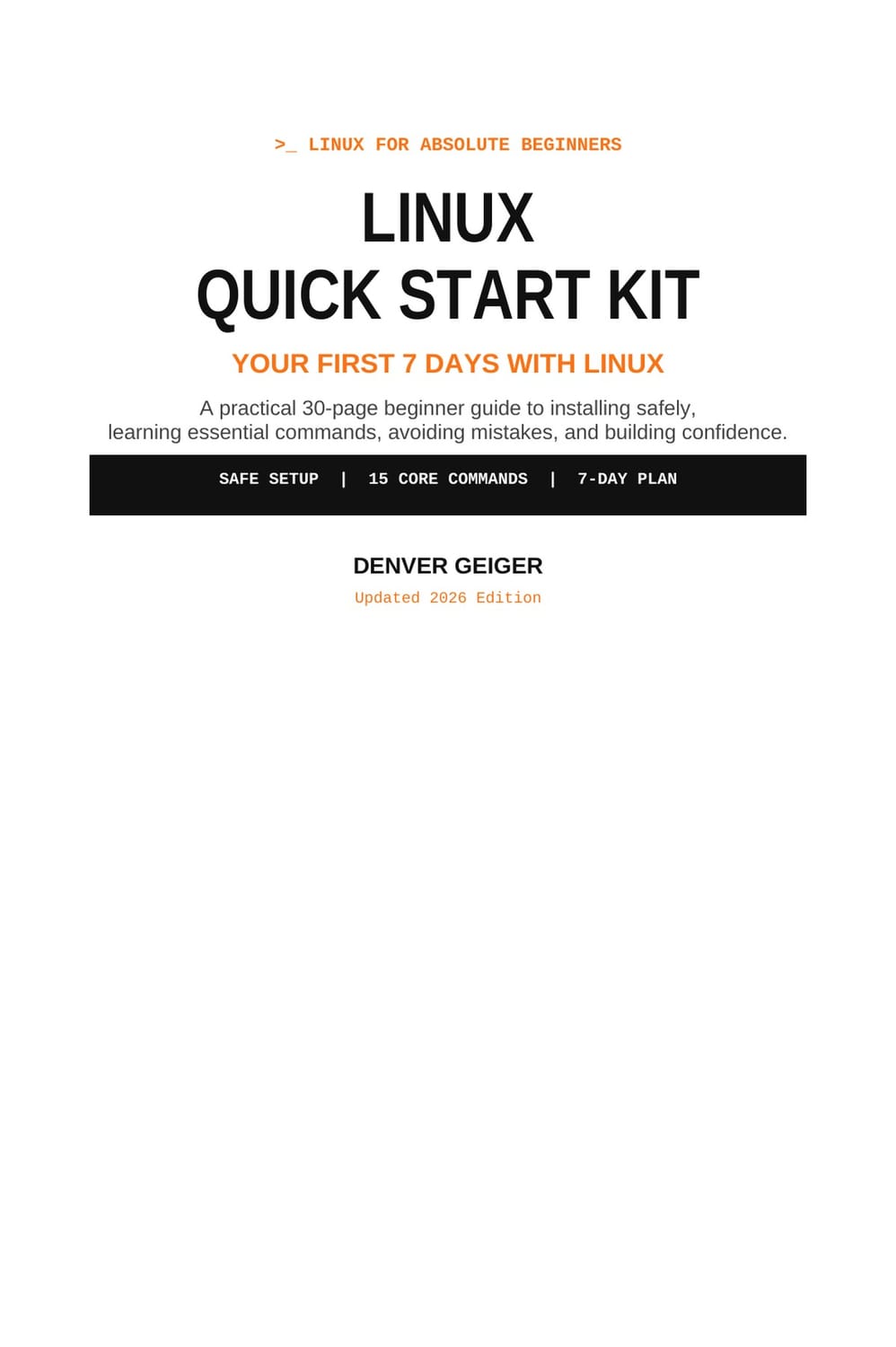
Free Beginner Guide
Your first 7 days with Linux, mapped out step by step.
Stop jumping between random tutorials.
The Linux Quick Start Kit gives you one clear beginner path: prepare your computer safely, understand the Linux desktop, learn your first terminal commands, avoid dangerous mistakes, and build practical confidence in just seven focused sessions.
Free • Beginner-friendly • No credit card required
- ✓Prepare and install Linux more safely
- ✓Learn 15 essential terminal commands
- ✓Understand files, folders and permissions
- ✓Learn software installation and updates
- ✓Build a simple backup routine
- ✓Troubleshoot problems methodically
- ✓Avoid common beginner mistakes
- ✓Use AI as a Linux learning assistant — not as a blind terminal pilot
Inside the Quick Start Kit
From “I have no idea” to
“I understand what I’m doing.”
Install safely
Learn how to prepare your files, test Linux from a Live USB and make safer installation decisions.
Understand the terminal
Learn what commands actually do before pressing Enter.
Control your files
Navigate, create, copy, move, search and remove files safely.
Understand permissions
Learn sudo, permissions and administrator access without unnecessary risk.
Maintain your system
Updates, software, backups, processes, networking and disk space.
Solve problems methodically
Learn how to collect the right information, identify what changed and troubleshoot one step at a time.
The Complete Guides
Ready to go beyond the Quick Start?
When you are ready for deeper step-by-step training, continue with Denver Geiger’s complete beginner guides.
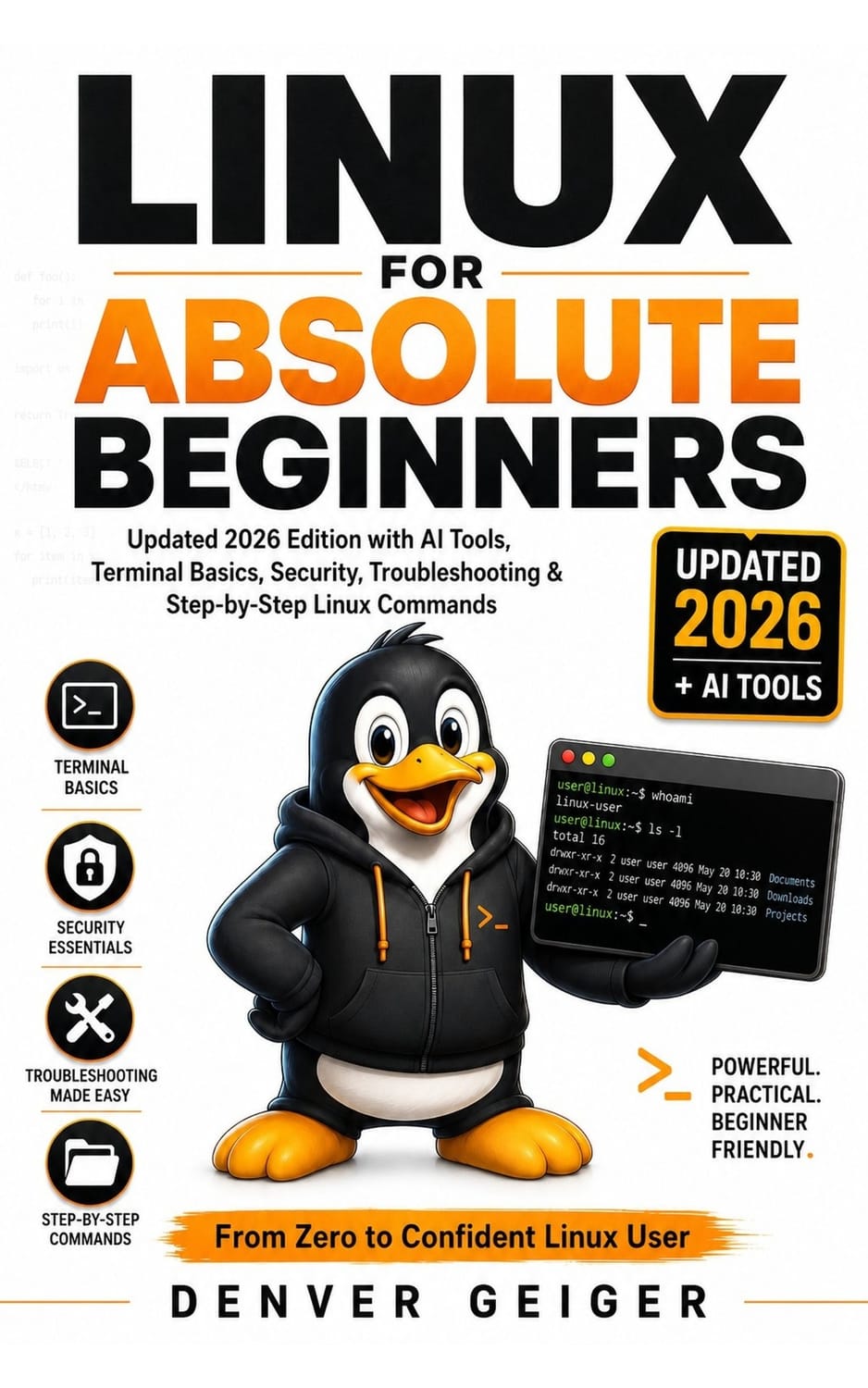
Linux for Absolute Beginners
AI Tools, Terminal Basics, Security, Troubleshooting, and Step-by-Step Linux Commands
// From Zero to Confident Linux User
A complete practical introduction to Linux for readers starting from zero. It explains Linux in plain English and combines safe terminal practice, files and permissions, software management, networking, security, troubleshooting and responsible AI-assisted learning.
- ✓Beginner-friendly Linux fundamentals
- ✓Practical terminal exercises
- ✓Security and troubleshooting
- ✓Safe AI-assisted Linux learning
- ✓Structured 30-day learning path
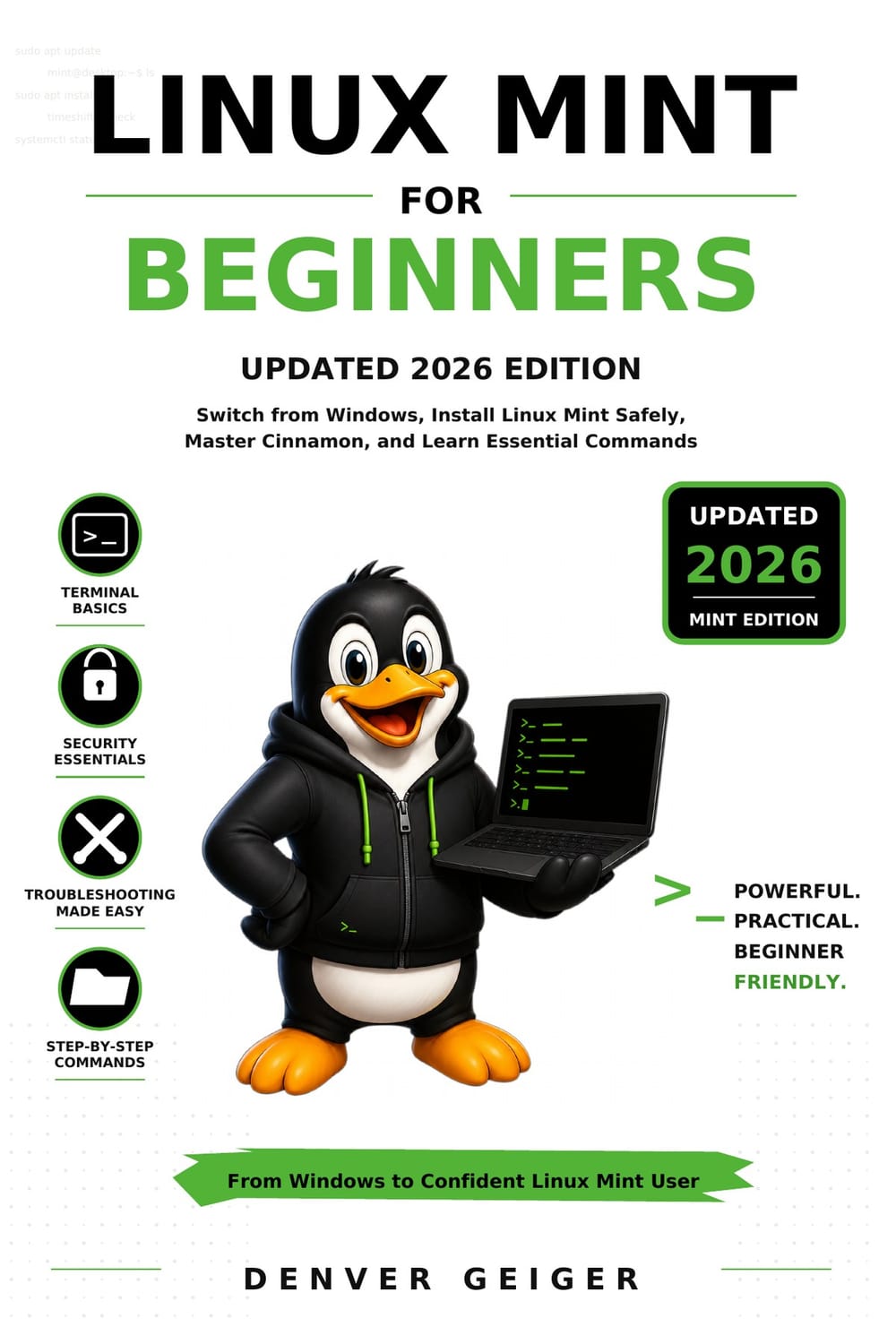
Linux Mint for Beginners
Switch from Windows, Install Linux Mint Safely, Master the Cinnamon Desktop, and Learn Essential Commands
// From Windows User to Confident Linux Mint User
A practical Windows-to-Linux-Mint guide for complete beginners. It teaches readers how to evaluate the switch, protect their existing files, test hardware, install Linux Mint safely, master Cinnamon, move Windows files, install applications, use the terminal, maintain the system and troubleshoot common problems.
- ✓Windows-to-Mint transition
- ✓Safe installation workflow
- ✓Cinnamon desktop
- ✓Files and application migration
- ✓Terminal fundamentals
- ✓Backups, recovery and troubleshooting
Free Download
Not ready for the full book yet?Start free.
Spend your first seven days building the Linux skills that matter most.
- ✓30 practical pages
- ✓15 core Linux commands
- ✓Safe beginner setup
- ✓7-day action plan
- ✓Troubleshooting fundamentals
- ✓No prior Linux experience required
Questions
Frequently asked questions
Free 30-Page eBook
Your first week with Linux starts here.
One clear guide. Seven focused days.
The essential skills every beginner should understand.
Linux Quick Start Kit
Your First 7 Days with Linux
Denver Geiger • Updated 2026 Edition
Linux Guide Get It Free