Linux for Beginners
New to Linux? You do not need to be a programmer or memorize hundreds of commands. The easiest way to learn Linux is to understand a few essential concepts and start using them immediately.
This beginner-friendly guide will walk you through the fundamentals: what Linux is, which distribution to choose, how to test it safely, and the first terminal commands worth learning.
1. What Is Linux?
Linux is an operating system, just like Windows and macOS. It manages your computer's hardware, applications, files, users, network connections and security.
Linux comes in different versions called distributions, usually shortened to distros.
2. Which Linux Distribution Should You Choose?
Three excellent starting points are:
- Linux Mint: simple, familiar and particularly friendly for Windows users.
- Ubuntu: massive community and extensive documentation.
- Fedora: modern, polished and useful for learning current Linux technologies.
For many complete beginners, Linux Mint is one of the easiest ways to make the transition from Windows.
3. Test Linux Before Installing It
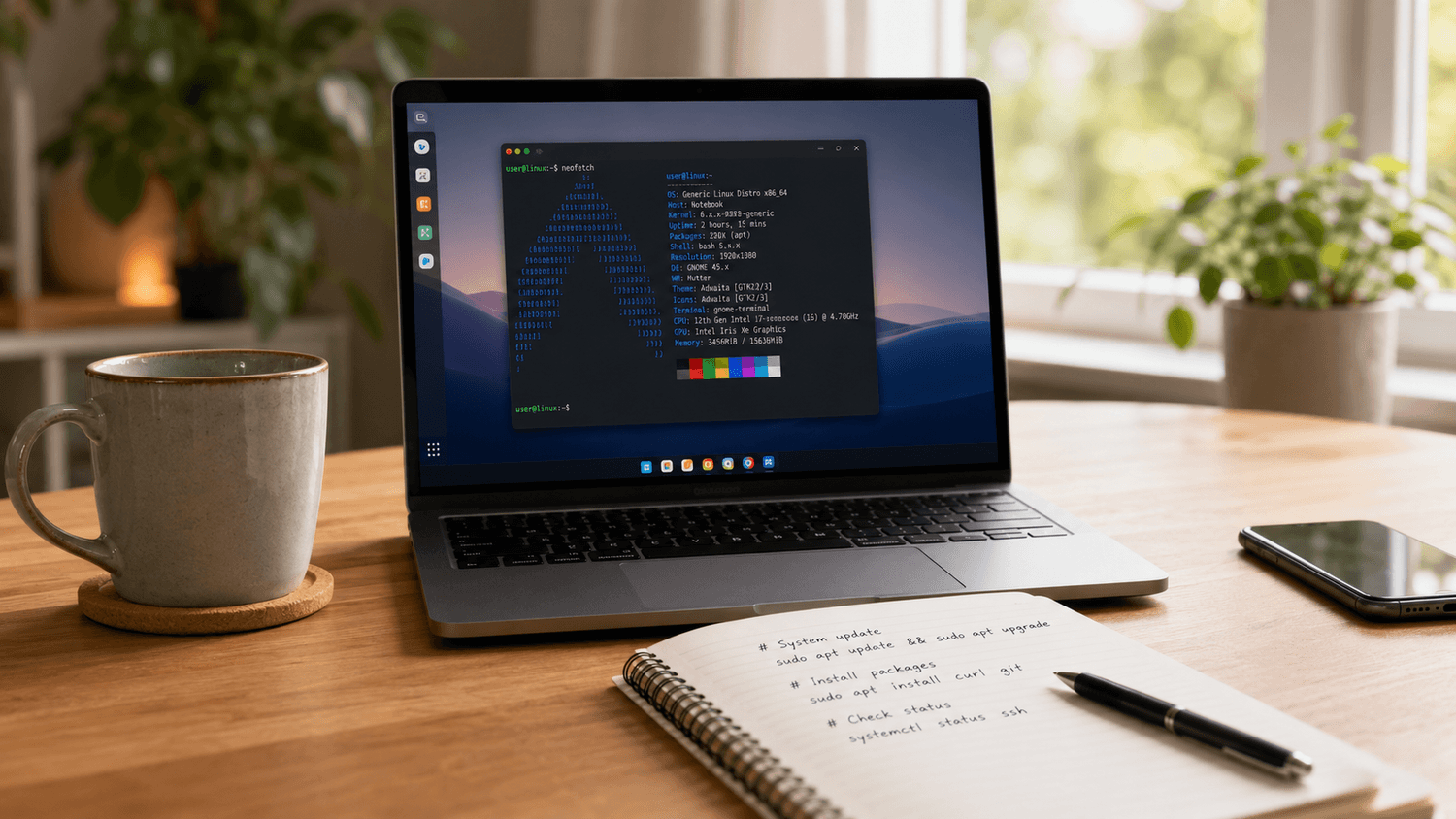
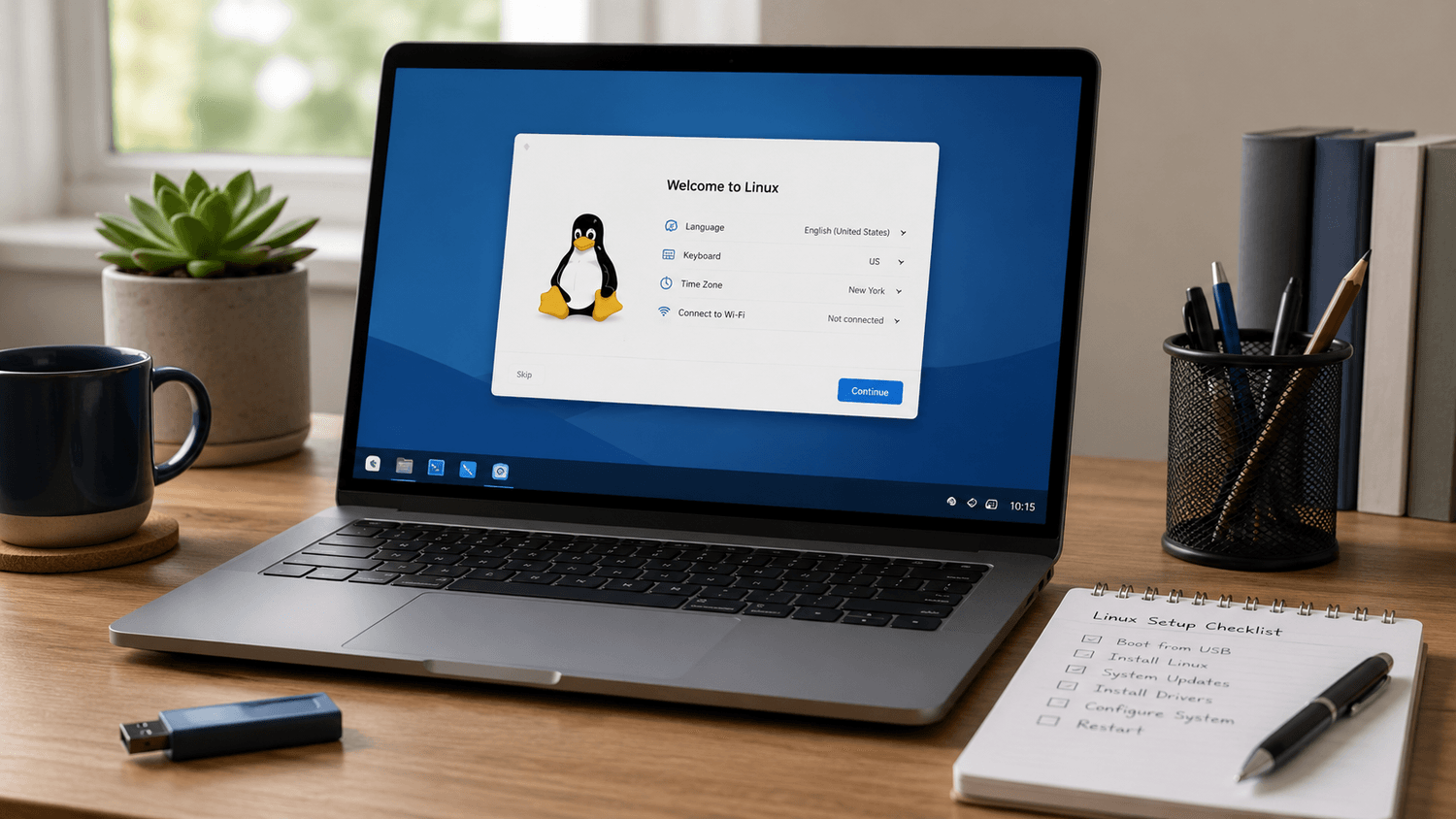
You do not necessarily have to remove Windows immediately. Most major Linux distributions can be started from a USB drive in Live Mode.
A sensible first test is:
- Download the Linux ISO.
- Create a bootable USB drive.
- Boot the computer from USB.
- Select the option to try Linux.
- Test Wi-Fi, audio, keyboard and display.
- Install Linux only when you are comfortable.
4. The Linux Desktop Is More Familiar Than You Think
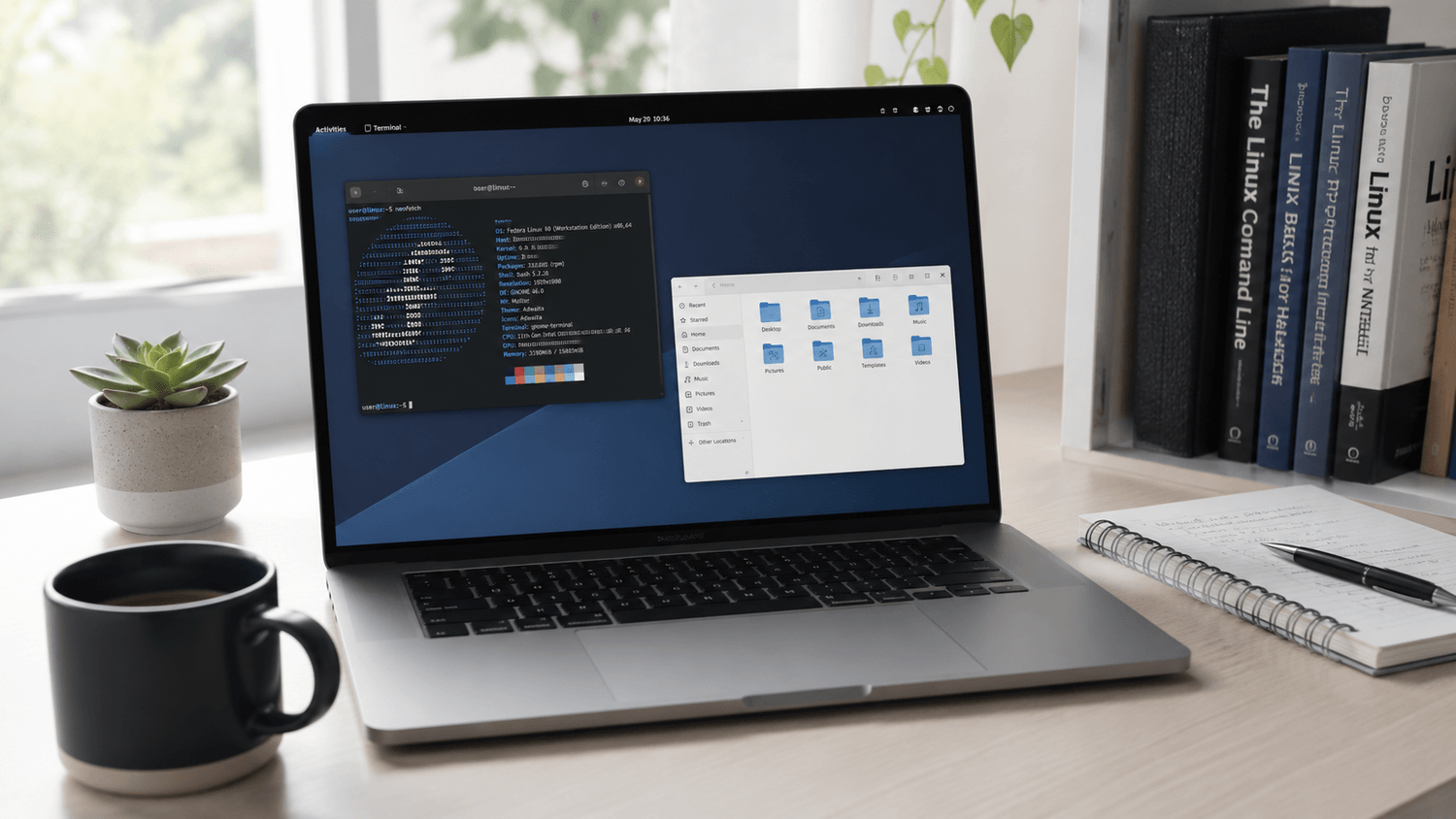
Modern Linux systems provide graphical desktops where you can browse files, install software, change settings, connect to Wi-Fi and use applications much like you would on another operating system.
5. Do Beginners Need the Terminal?
Not for everything. But learning a small number of commands will make Linux considerably easier to understand and will help you follow tutorials and solve problems faster.
Your First Five Linux Commands
/home/user
user@linux:~$ ls
Documents Downloads Music Pictures Videos
user@linux:~$ cd Documents
user@linux:~/Documents$ mkdir Projects
user@linux:~/Documents$ ls
With these commands you are already learning how Linux handles locations, directories and files.
Start Linux With a Clear Plan
Get the free Linux Quick Start Kit and keep the essential beginner steps and commands close at hand.
Get the Free Quick Start Kit →6. Keep Linux Updated
Regular updates provide security fixes, bug fixes and software improvements. On Linux Mint, Ubuntu and other Debian-based systems you will often encounter:
user@linux:~$ sudo apt upgrade
The sudo command allows an authorized user to perform administrative operations. Linux may request your password before continuing.
7. Learn Linux Through Small Practical Tasks
Trying to master Linux in one week is unnecessary. Instead, complete small tasks repeatedly.
- Create and organize directories.
- Install an application.
- Update your system.
- Practice five terminal commands.
- Explore system settings.
- Learn where your personal files are stored.
- Practice simple troubleshooting.
8. A Simple Linux Learning Path
- Understand the desktop.
- Learn basic file management.
- Practice essential terminal commands.
- Understand software installation and updates.
- Learn users and permissions.
- Practice basic troubleshooting.
- Move gradually toward networking and administration.
You do not need to memorize everything. The important skill is understanding what Linux can do and knowing how to find the correct tool or command when you need it.
Ready to Go Beyond the Basics?
Linux for Absolute Beginners provides a structured path from your first Linux steps toward confident everyday use.
View Linux for Absolute Beginners →Prefer Linux Mint?
If Linux Mint is your distribution of choice, continue with a guide focused specifically on Mint setup, commands, applications and everyday workflow.
View Linux Mint for Beginners →Final Thought
Your goal during the first few days is not to become a Linux expert. It is to become comfortable enough to keep exploring. Learn a few commands, complete small tasks and build your knowledge one step at a time.